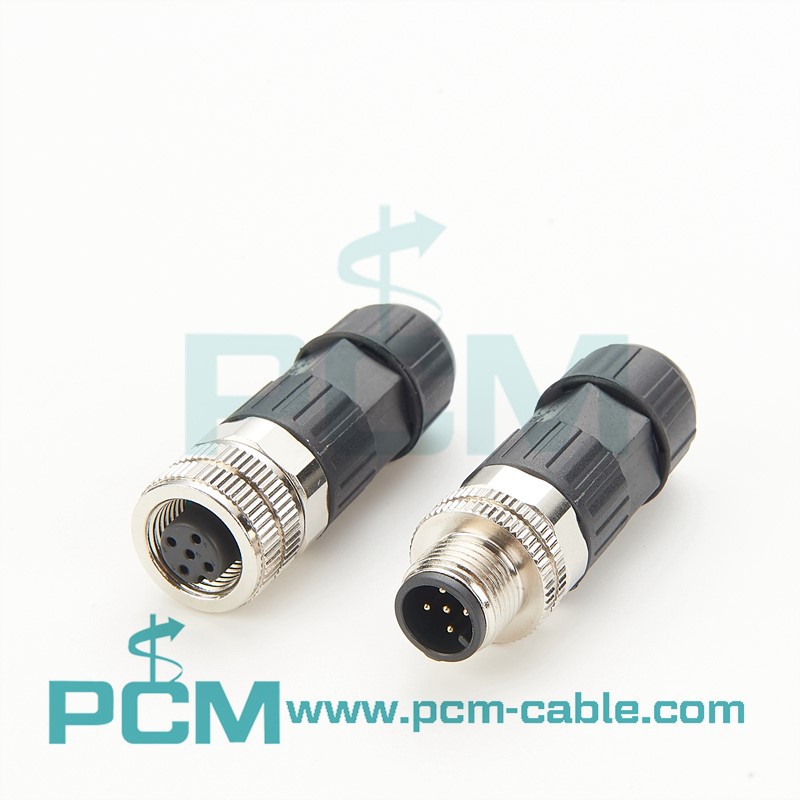
To get NMEA data from a GPS device, you need to connect the GPS device to a NMEA 0183 or NMEA 2000 network.
For NMEA 0183, you would typically use a serial cable to connect the GPS device to a NMEA 0183 input port on a chartplotter or other device that can receive NMEA data. Once the devices are connected, the GPS device will transmit NMEA data sentences to the chartplotter, which can then display the GPS data on the screen.
For NMEA 2000, you would typically connect the GPS device to the NMEA 2000 backbone using a drop cable. The GPS device will then transmit NMEA 2000 PGNs (parameter group numbers) over the network, which can be received and processed by other devices on the network, such as a chartplotter or multi-function display.
Once you have the GPS data on your chartplotter or other display device, you can use it to navigate, track your position, and perform other functions.