

Wiring an XLR to a screw terminal block may seem straightforward, but even experienced installers can make small errors that lead to signal loss, hum, or intermittent connections. Here are the most common mistakes - and how to avoid them.
1. Reversing Signal Polarity (Pin 2 and 3)
In balanced XLR connections:
Pin 1 = Ground
Pin 2 = Hot (+)
Pin 3 = Cold (−)
Mixing up pins 2 and 3 can cause phase cancellation or weak audio signals. Always double-check pin assignments before tightening the screws.
2. Loose or Poorly Stripped Wires
If the bare wire isn't cleanly stripped or fully inserted, you risk:
- Intermittent signal loss
- Weak mechanical contact
- Increased resistance or noise
Tip: Strip about 5–7mm of wire insulation, and twist the strands for a firm connection.
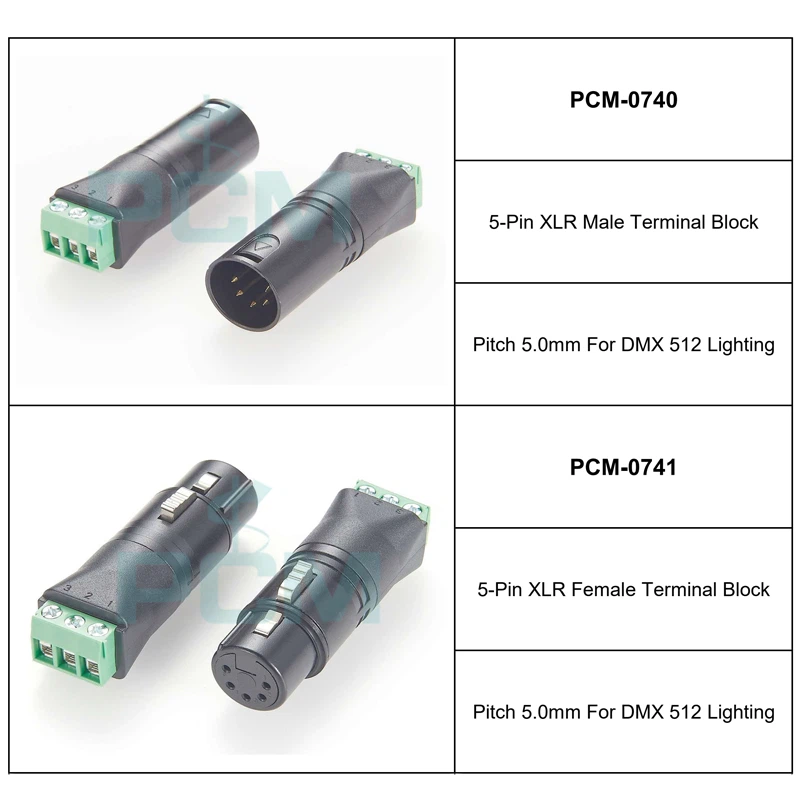
3. Using Unshielded Cable
XLR systems rely on shielding to block interference. If you connect unshielded wire (or neglect to connect the ground wire), you may hear:
- Buzzing
- Hum
- Radio frequency interference (RFI)
Always connect Pin 1 (Ground) to shielded cable for clean signal.
4. Overtightening Terminal Screws
Applying too much torque can:
- Damage fine wire strands
- Crack the terminal block
- Cause pin misalignment
Hand-tighten screws firmly, but avoid excessive force.
5. Incorrect Wire Gauge
Using wire that's too thin can result in:
- Signal drop over distance
- Poor contact in terminal block
Use wire between 20–24 AWG for best results with most screw terminals.
You May Also Like
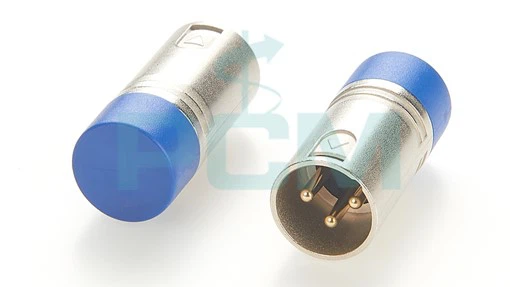
3 Pin DMX Termination Resistor
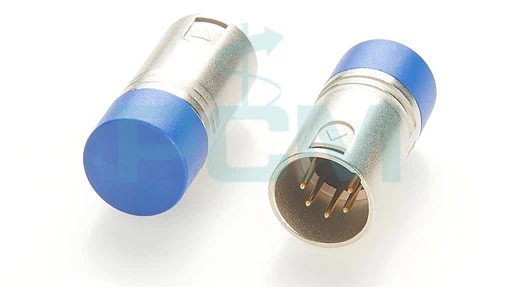
DMX Termination Resistor - 120 Ohm
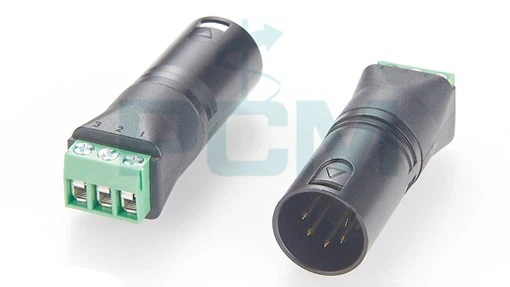
5-Pin XLR Male to Terminal Block Adapter

3-Pin XLR Male to Terminal Block Adapter

3-Pin XLR Female to Terminal Block Adapter
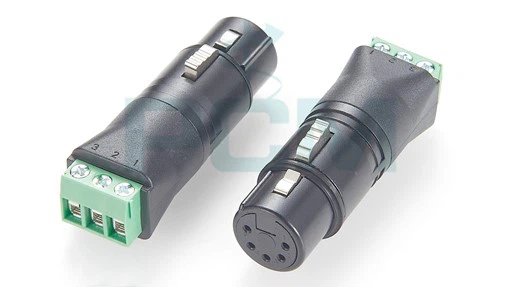
5-Pin XLR Female to Terminal Block Adapter


