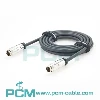
CXP2.0 HD-BNC to HD-BNC Camera Cable:
Features Applications And Selection Guide
Explore CXP2.0 HD-BNC to HD-BNC camera cables for high speed image acquisition and camera to frame grabber connections. Learn about coaxial design, 75 ohm impedance, CoaXPress communication, PoCXP power support, applications, selection and custom options for machine vision and OEM projects globally.
Product Introduction
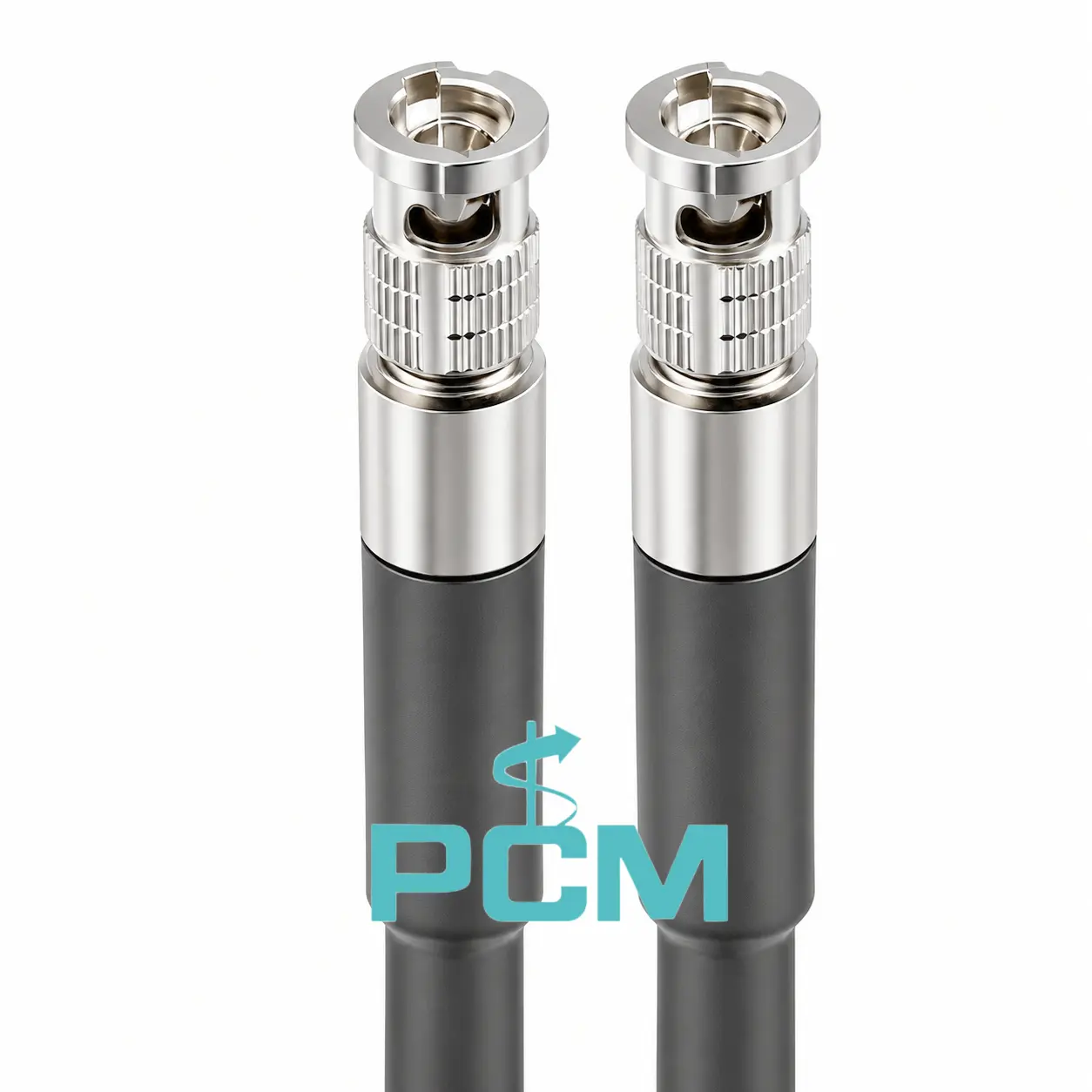
What Is a CXP2.0 HD-BNC to HD-BNC Camera Cable ?
A CXP2.0 HD-BNC to HD-BNC cable connects CoaXPress 2.0 industrial cameras to frame grabbers through a 75 ohm controlled-impedance coaxial path. It carries high speed image data and, when supported, control signals and PoCXP power.
It includes two HD-BNC connectors, a center conductor, dielectric, shield and protective jacket. Signal quality relies on impedance matching, attenuation, shielding and secure terminations.
What Is the Difference Between HD-BNC and Standard BNC Connectors ?
HD-BNC is a compact RF coaxial connector, smaller than standard BNC and suited to high density industrial vision equipment. It retains a bayonet coupling, but its dimensions differ, so the two types are not directly interchangeable.
HD-BNC is available in different impedance options; CoaXPress 2.0 systems require 75 ohm connectors. Check the camera and frame grabber interfaces and impedance before selecting a cable.
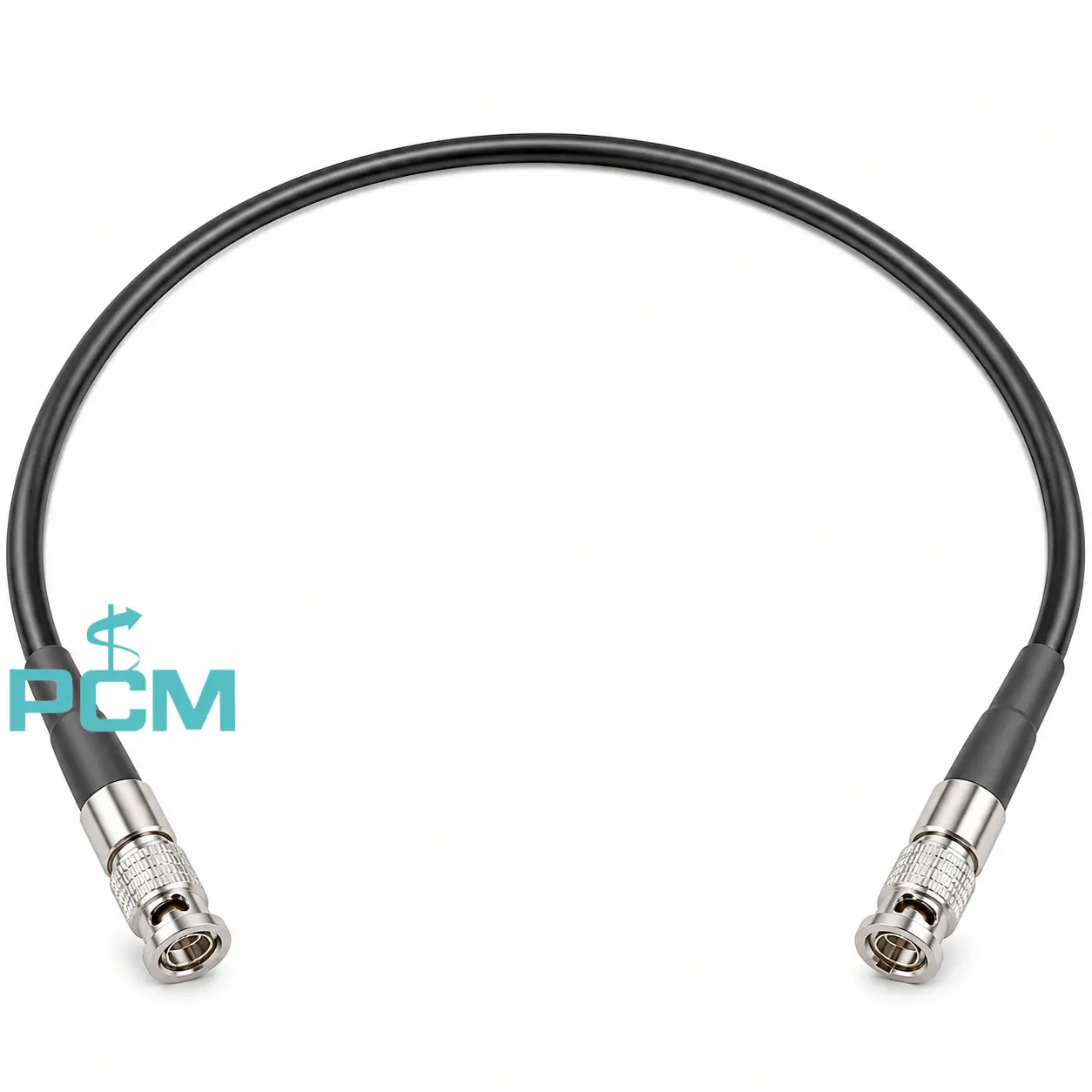
How to Select the Right Camera Cable ?
Choose a camera cable by verifying camera and frame grabber models, HD-BNC interfaces, connector gender, 75 ohm impedance, CXP data rate, signal loss and shielding. Check cable length, routing, bend radius, operating conditions and OEM customization needs. Confirm these details for each OEM project.
Core Product Value
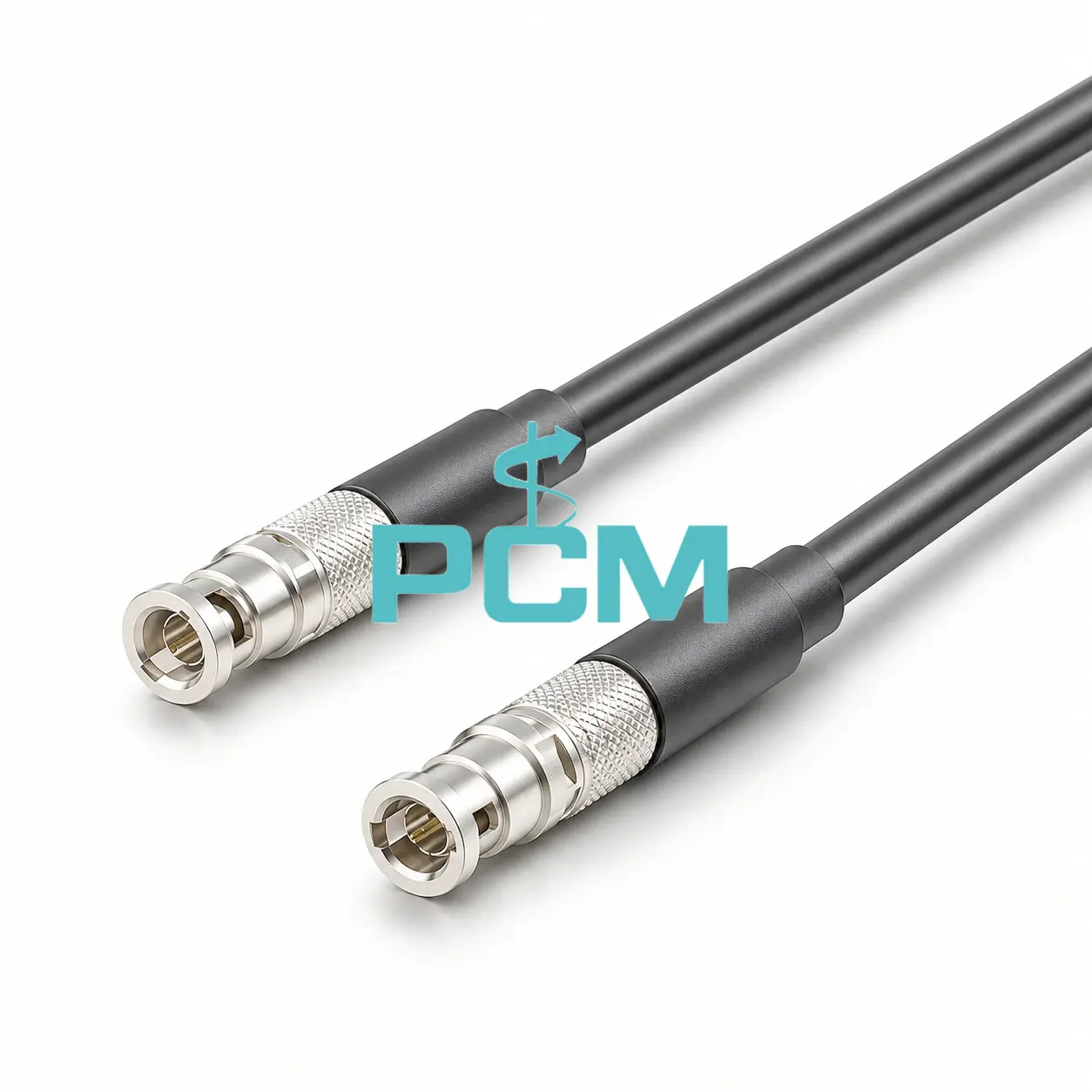
◆ Coaxial Structure for High Speed Signals
The cable uses a center conductor, dielectric and shielding layer to form a controlled coaxial path. This structure carries high frequency CoaXPress signals while helping limit interference and maintain signal integrity.
◆ Dual HD-BNC Connector Configuration
HD-BNC connectors at both ends link compatible cameras and frame grabbers through one coaxial assembly. Their compact bayonet interfaces provide a secure connection and help keep the equipment connection path simple.
◆ Electrical Integrity Across the Cable
High speed transmission depends on the complete cable assembly, not connector continuity alone. Impedance consistency, insertion loss, return loss and shielding all affect signal quality across the CoaXPress link.
◆ Combined Data and System Connectivity
A single coaxial link carries image data between the camera and frame grabber. In supported CoaXPress systems, the same connection can also carry control communication and PoCXP power, reducing separate wiring.
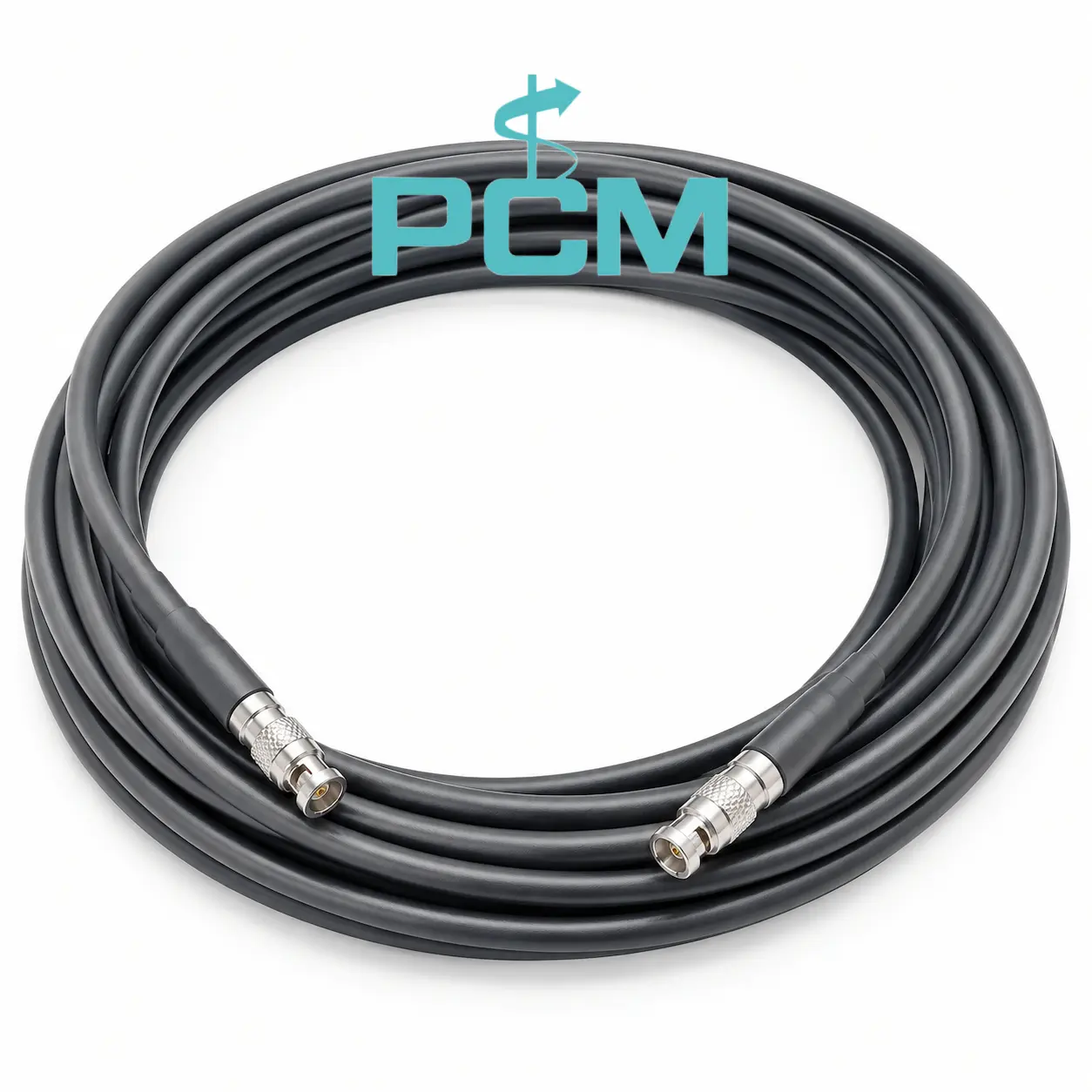
Product Customization Capabilities
Cable Length
Custom cable length fits camera spacing, routing paths and equipment layouts.
Connector Specifications
HD-BNC gender, housing and termination details match the device interfaces.
Coaxial Cable Construction
Coaxial cable construction includes conductor, dielectric, shield and jacket.
Shielding Performance
Shield designs help limit interference in high speed industrial vision links.
Mechanical Options
Jackets can suit abrasion, compression, bending and torsional movement needs.
OEM Bulk Production
Plan OEM labels, packaging, and batch tracking; confirm MOQs and delivery dates.
Product FAQ
Which Devices Use a CXP2.0 HD-BNC Cable ?
This CXP2.0 HD-BNC cable connects a CoaXPress camera to a compatible frame grabber with matching HD-BNC ports for high-speed image acquisition in machine vision and semiconductor inspection systems.
Can HD-BNC Connect Directly to Standard BNC ?
HD-BNC and standard BNC have different mating dimensions. Do not connect them directly; verify adapter fit, impedance matching and high-frequency signal performance before use.
How to Tell When an HD-BNC Cable Needs Replacement ?
Check the jacket and connectors for damage or looseness, then monitor image errors and link stability. Replace faulty cables with matching impedance, connector type, data-rate rating and length.
Can an HD-BNC Camera Connect Directly to a PC ?
A standard PC has no direct CoaXPress camera input. Install a compatible frame grabber in the computer, then connect the camera to the frame grabber using this HD-BNC cable.