KEYENCE Controller Connection Cable:
Features Applications And Selection Guide
Explore controller cables compatible with KEYENCE OP-88648, OP-88649, and OP-88650 for connecting IV3 sensor heads to the IV3-G120 amplifier. Learn about connector matching, cable length, installation, and selection for vision inspections, positioning, and quality control, with custom cable options.
Product Introduction
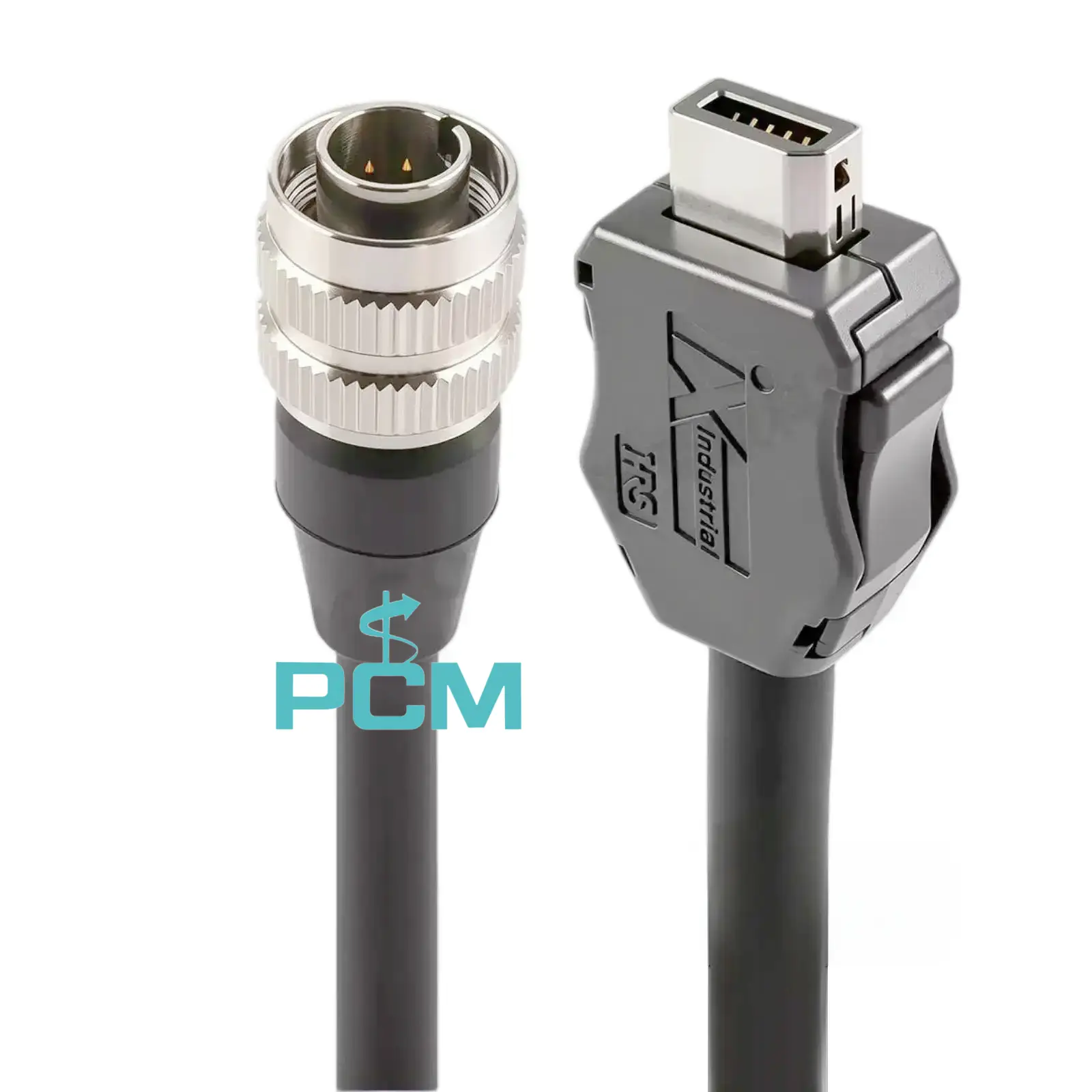
What Is an KEYENCE Controller Connection Cable ?
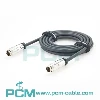
Compatible with KEYENCE OP-88648, OP-88649 and OP-88650, this controller cable connects an IV3 sensor head to the IV3-G120 amplifier. It provides the electrical connection and signal path between separately installed units.
A circular screw lock connector and a rectangular plug in connector match the required interfaces. The cable is used for production line vision inspection, product positioning and quality control.
Why Must Dedicated Connectors Be Properly Secured ?
Connector installation affects reliability. The sensor head end of this cable uses a threaded lock. Align the contacts, then tighten the metal collar. At the controller end, align the connector with its port and insert it fully until the latch engages.
Poor installation may cause unstable contact, connection faults, or loosening during operation. Correct locking helps prevent connection problems and connector damage.
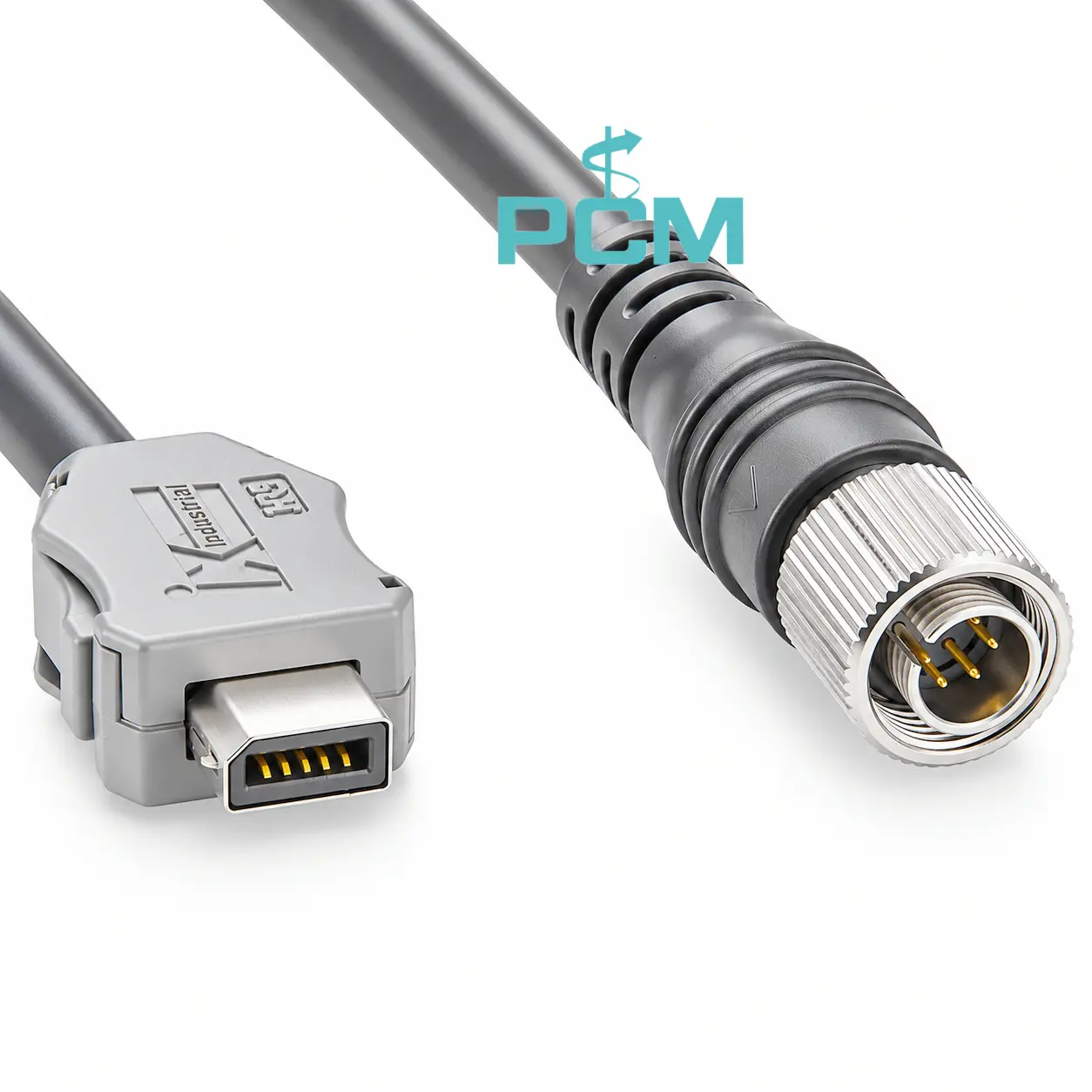
How to Choose the Right Controller Connection Cable ?
Select a controller cable by checking equipment interfaces, connector shape and locking, contact layout, and pin mapping. Measure routing path and allow installation slack. Consider bending clearance, movement, and mounting conditions. Confirm all details before ordering or requesting customization.
Core Product Value
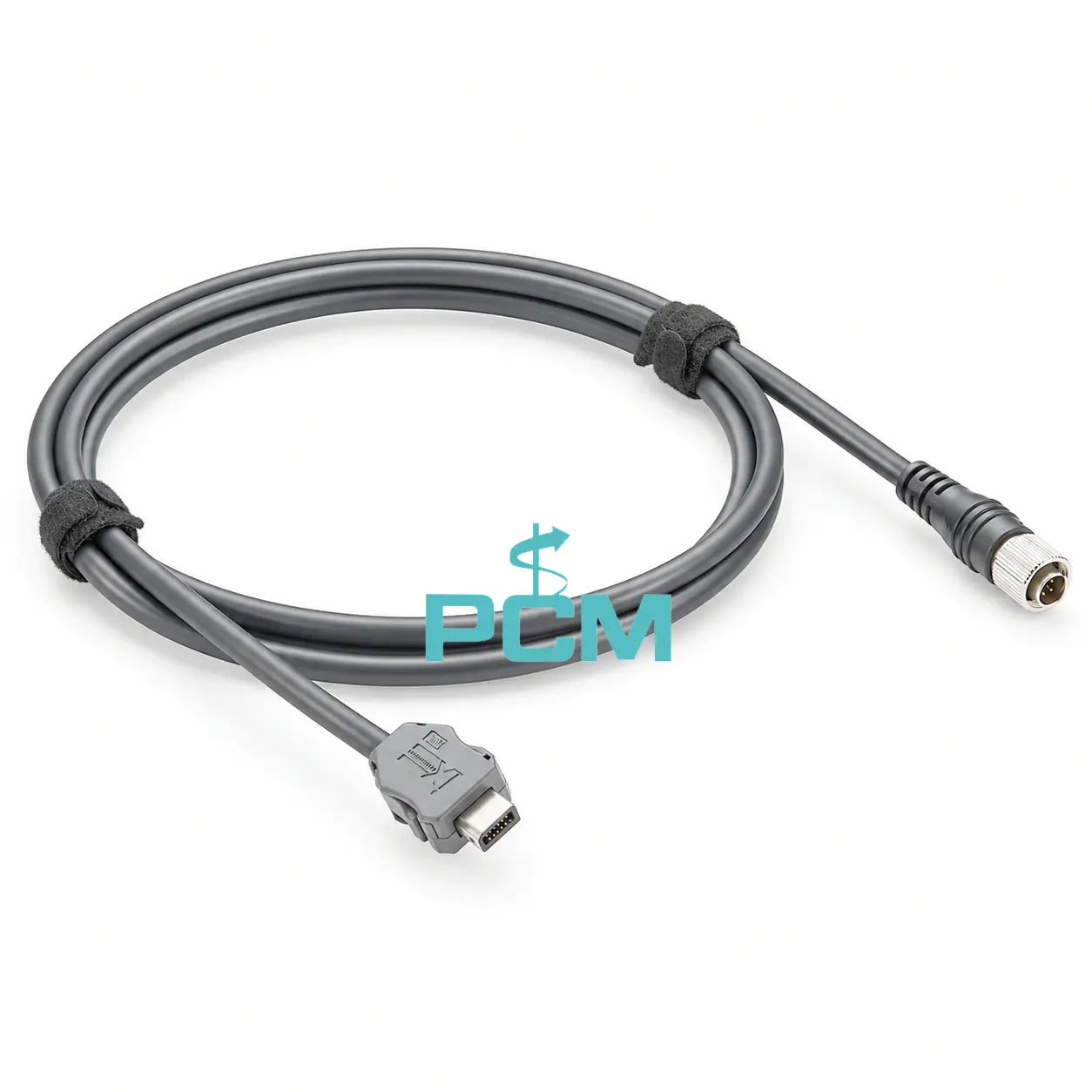
◆ Dedicated Connector Configuration
This cable is designed for sensor head and amplifier connections. Both ends match the equipment interfaces, helping maintain consistent installation and reduce uncertainty when connecting the two units.
◆ Stable Connections During Operation
Industrial vision systems need a stable link between the sensor head and amplifier. Matching connectors and secure locking help prevent loose connections and reduce movement at the interface during operation.
◆ Flexible Cable Routing for Equipment
Equipment layouts require different cable routes. Suitable cable lengths help engineers arrange connections neatly, avoid excess cable buildup and reduce strain caused by cables that are too short within the system.
◆ Reliable Replacement for Maintenance
This cable is a compatible replacement for equipment using the OP-88648 series. Keeping a spare available helps maintenance teams restore the sensor head to amplifier connection and reduce equipment downtime.
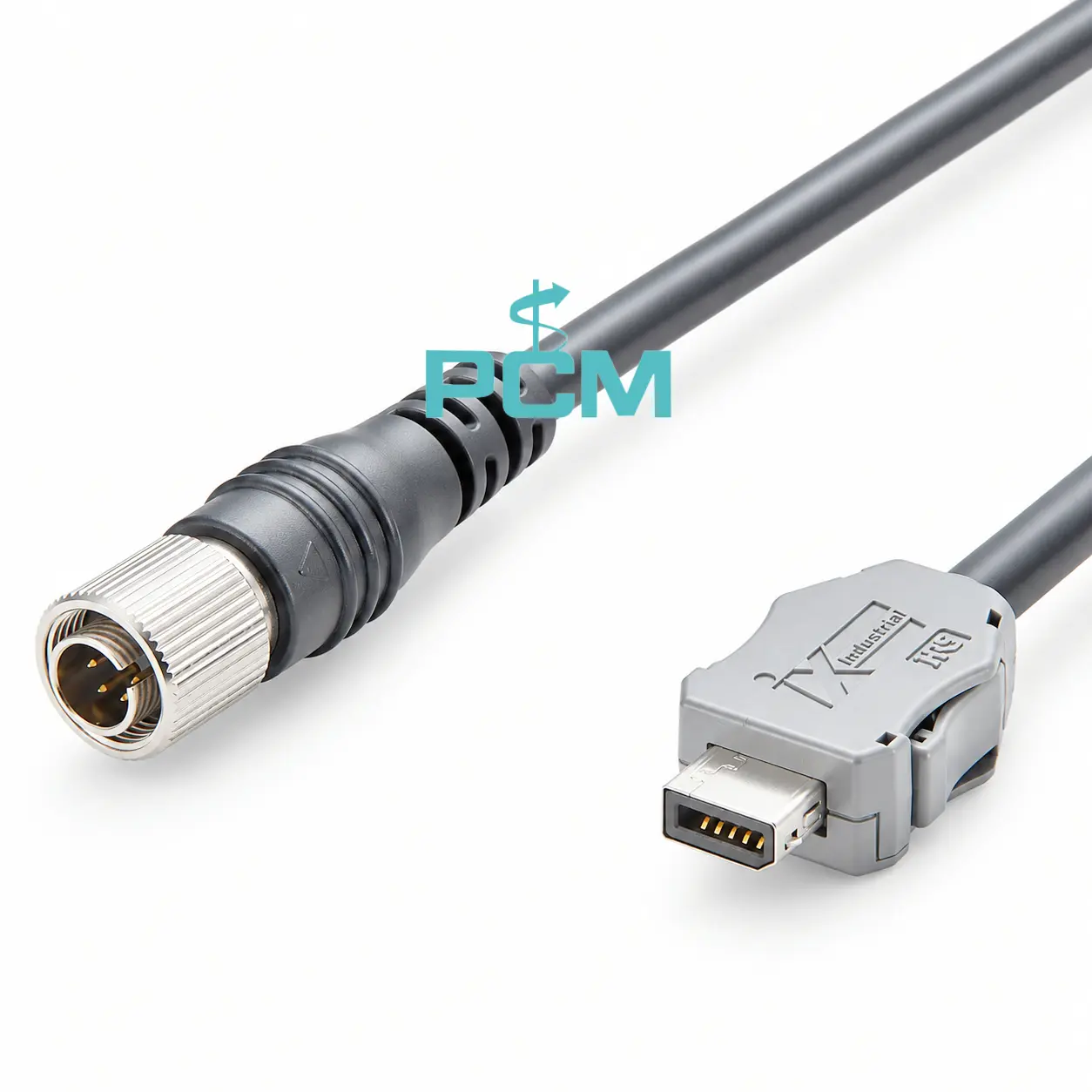
Product Customization Capabilities
Cable Length
Set cable lengths for equipment spacing, routing paths and diverse site layouts.
Connector Configuration
Set connector type, pin count, shape, locking method and cable exit orientation.
Cable Material
Select conductor, insulation and jacket materials for the operating environment.
Appearance Options
Customize cable colors, connector colors and labels for quick identification.
Pin Mapping
Set pin assignments and wiring; check each connection against approved drawings.
OEM Bulk Production
Plan OEM labels, packaging, and batch tracking; confirm MOQs and delivery dates.
Product FAQ
Can This Cable Connect a Sensor Head to a PC ?
No. This cable links the sensor head to its compatible amplifier; it is not a PC network cable. Connect the computer to the amplifier through the specified LAN interface and a suitable Ethernet cable.
How Should the Sensor Head Cable Be Installed ?
Power off first. Align the sensor-head connector and tighten its threaded coupling; fully insert the amplifier end plug. Do not force a misaligned connector or pull the cable to position it.
What to Check if the Sensor Head Is Not Detected ?
Check connector alignment, locking and insertion; inspect contacts and cable for damage. Power off before reconnecting. If the fault remains, check the equipment, power supply and settings.
Is This Cable Suitable for Long-Term Industrial Use ?
Suitable for long-term use when correctly matched and installed. Avoid pulling, sharp bends, and compression; secure the cable and regularly inspect its jacket, connectors, and locking points.