CoaXPress HD-BNC to DIN Camera Cable :
Features Applications And Selection Guide
Explore CoaXPress HD-BNC to DIN camera cables for high speed image transmission in machine vision systems. Learn about connector structures, 75 ohm coaxial transmission, PoCXP power, and applications in industrial inspection, semiconductor inspection, precision measurement, and imaging.
Product Introduction
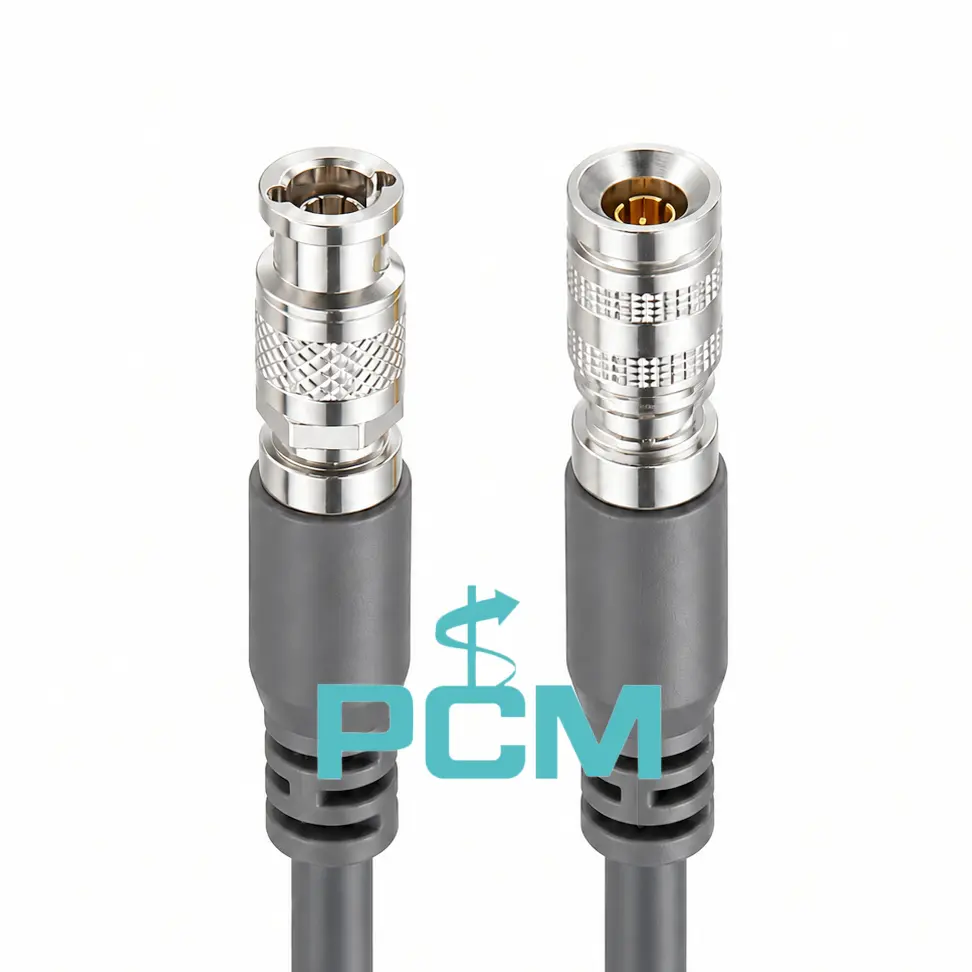
What Is a CoaXPress HD-BNC to DIN Camera Cable ?
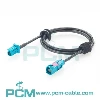
The CoaXPress HD-BNC to DIN camera cable is a 75 ohm coaxial cable connecting an industrial camera to a frame grabber through HD-BNC (Micro-BNC) and DIN 1.0/2.3 connectors.
It carries high speed image data and CoaXPress control signals, and also supports PoCXP power on compatible equipment. It serves machine vision systems for semiconductor and PCB inspection, precision measurement, and high-speed automated imaging.
CoaXPress coaxial transmission principle
CoaXPress transmits image data and control information over 75 ohm coaxial cable. Its high speed downlink carries image data from the camera to the frame grabber, while the low speed uplink sends control commands back to the camera.
On compatible systems, PoCXP also delivers power through the same cable, combining data, control and power in one coaxial link. Actual performance depends on the cable, connectors, length and supported CXP version.
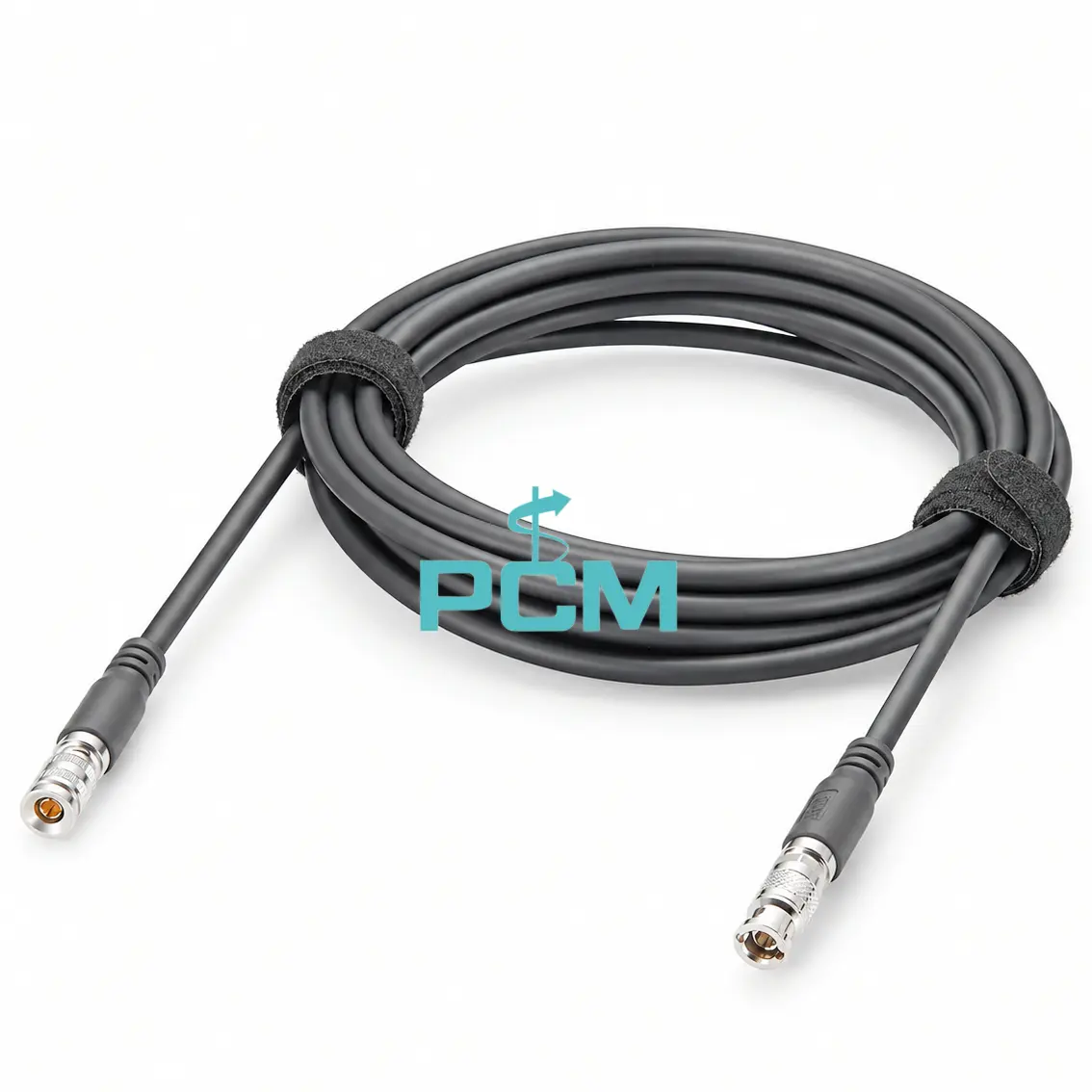
How to Choose the Right CoaXPress Industrial Camera Cable ?
Choose a cable by matching the camera and frame grabber connectors and genders. Verify CoaXPress support, 75 ohm impedance and the cable rated data rate. Check PoCXP needs, cable length, routing, bend radius and operating conditions. For replacement, compare the original model and specifications.
Core Product Value
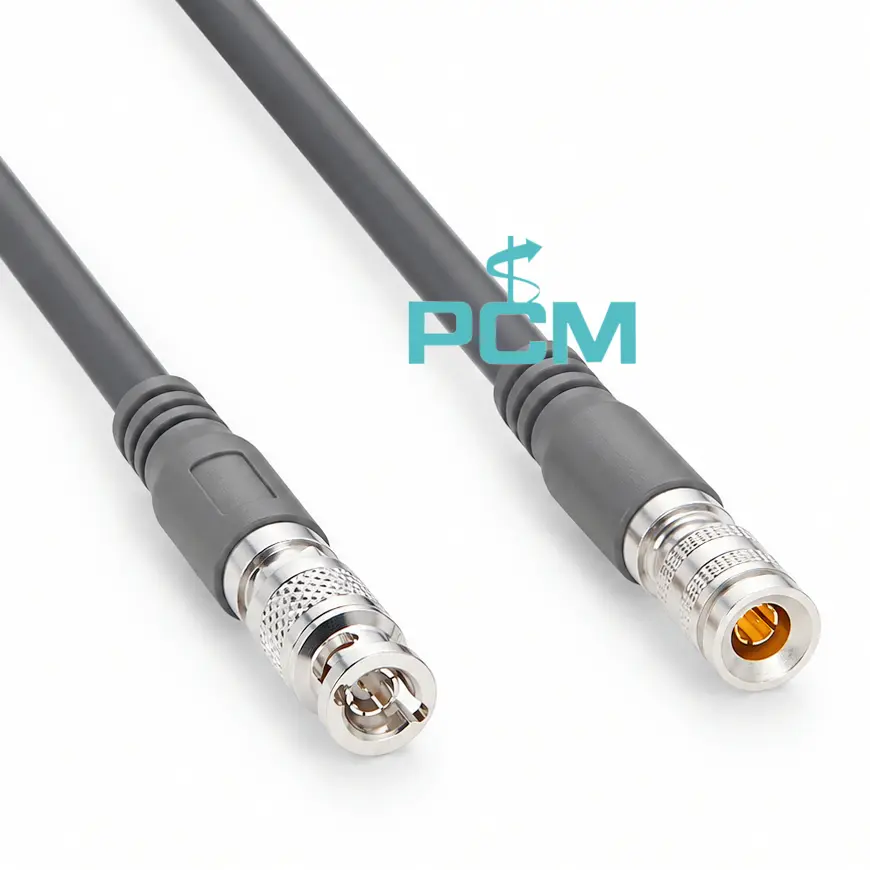
◆ Connects Different Coaxial Interfaces
HD-BNC and DIN 1.0/2.3 connectors link cameras and frame grabbers with different coaxial ports. This configuration provides a direct connection path for compatible CoaXPress equipment in machine vision systems.
◆ Dedicated Path for High Speed Imaging
The 75 ohm coaxial cable carries high speed image data between a camera and frame grabber. Its matched connectors provide the physical link for CoaXPress image acquisition in industrial inspection systems..
◆ 75 Ohm Design for Signal Integrity
The 75 ohm coaxial structure combines an inner conductor, dielectric and shield to form a signal path. It helps limit impedance changes, reflections and external interference during high speed image transmission.
◆ Compact Connectors for Easy Integration
HD-BNC and DIN 1.0/2.3 connectors have compact coaxial formats for industrial equipment. Their profiles help use limited mounting space and organize cable routing inside machine vision systems and imaging devices.
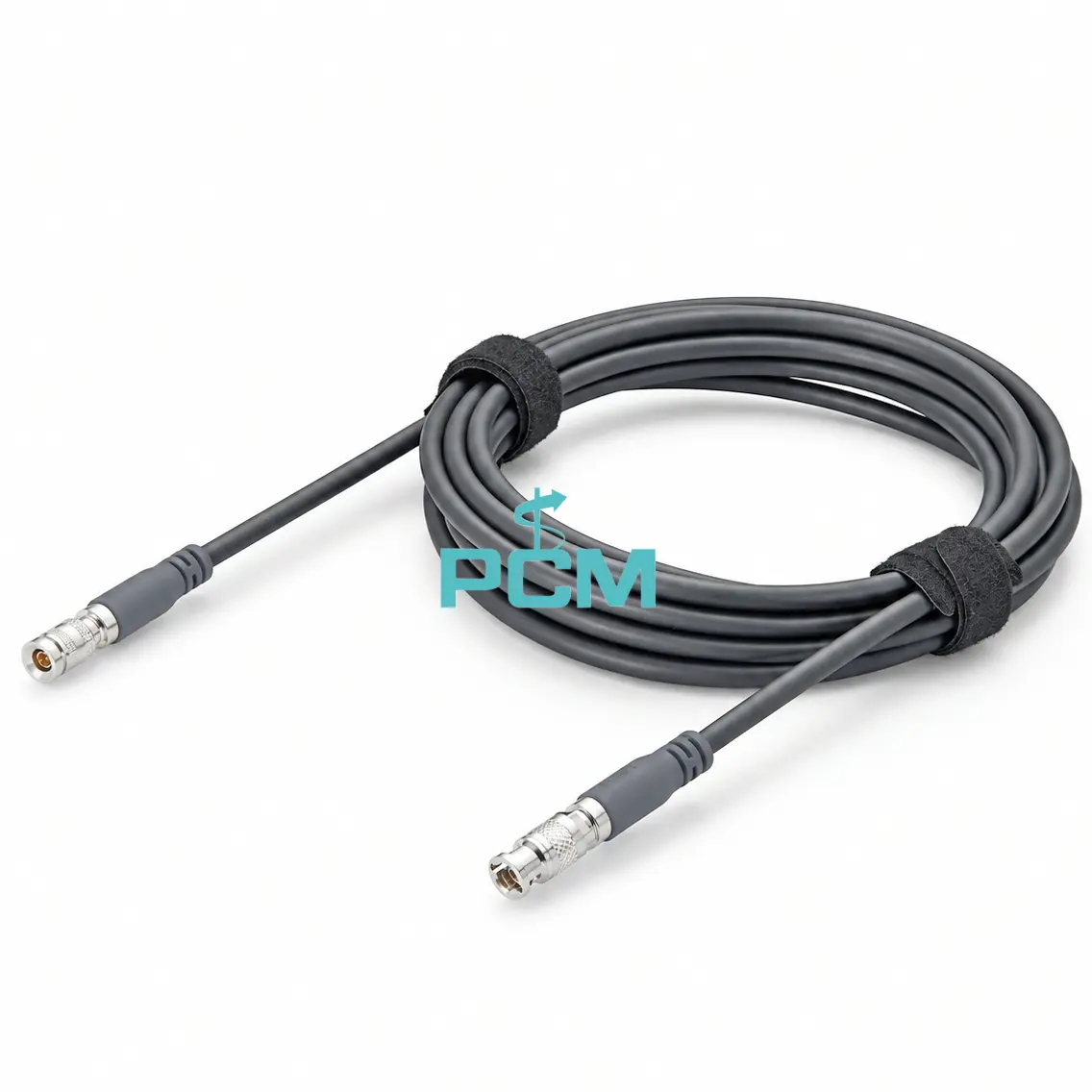
Product Customization Capabilities
Cable Length
Customize cable lengths for camera layouts, routing paths and CXP data rates.
Connector Configuration
Configure DIN and HD-BNC connectors, gender, dimensions and termination form.
Cable Structure
Customize 75 ohm coaxial construction, shielding and high frequency response.
Jacket Materials
Choose jacket materials, colors, outer diameters and custom surface markings.
Overmolding
Customize connector overmolds and strain relief for secure cable transitions.
OEM Bulk Production
Plan OEM labels, packaging, and batch tracking; confirm MOQs and delivery dates.
Product FAQ
What Equipment Uses This CoaXPress Camera Cable ?
It connects CoaXPress cameras to frame grabbers through DIN 1.0/2.3 and HD-BNC interfaces for image transfer in machine vision, semiconductor inspection and precision measurement.
Can This Cable Connect a Camera Directly to a PC ?
Usually not. A standard PC lacks a CoaXPress acquisition interface. Install a compatible CoaXPress frame grabber in the computer to receive image data from the industrial camera.
Does This Camera Cable Include Signal Conversion ?
No. It is a passive coaxial assembly that carries CoaXPress signals between compatible devices. It contains no active circuitry and does not convert signals to USB, HDMI or Ethernet.
Can This CoaXPress Cable Be Extended With an Adapter ?
Avoid adding adapters without link testing. Extra connectors can cause impedance discontinuities, insertion loss and reflections. Verify the complete coaxial path at the required data rate.