Hey there! As a USB cables supplier, I often get asked if USB cables have different data transfer protocols. The short answer is yes, they do. And in this blog post, I'm gonna break it all down for you.
Let's start with the basics. USB, which stands for Universal Serial Bus, has come a long way since its inception. Over the years, different versions of USB have been developed, each with its own set of data transfer protocols. These protocols determine how fast and efficiently data can be transferred between devices.
One of the most common data transfer protocols you'll come across is USB 2.0. This protocol has been around for quite a while and is still widely used today. USB 2.0 offers a maximum data transfer rate of 480 Mbps (megabits per second). It's suitable for most everyday tasks like transferring photos, music, and small files. If you're looking for a reliable cable that supports USB 2.0, check out our USB 2.0 Active Extension Cable Extender W/ Booster. It's great for extending the reach of your USB devices without sacrificing data transfer speed.
Next up is USB 3.0, also known as SuperSpeed USB. This protocol was a significant improvement over USB 2.0, offering a maximum data transfer rate of 5 Gbps (gigabits per second). That's more than 10 times faster than USB 2.0! USB 3.0 cables are backward compatible with USB 2.0 devices, so you can use them with older equipment as well. If you need to transfer large files quickly, like high - definition videos or large software packages, USB 3.0 is the way to go.
Then there's USB 3.1. USB 3.1 comes in two generations. Gen 1 has the same data transfer rate as USB 3.0 (5 Gbps), while Gen 2 offers a blazing - fast data transfer rate of 10 Gbps. USB 3.1 cables are often used in high - performance devices like external hard drives and gaming consoles. Our USB 3.1 Type C USB - C Extension Cable is a great option if you're looking for a cable that supports USB 3.1 Gen 2. It's perfect for connecting your latest gadgets and getting the most out of their data transfer capabilities.
USB 3.2 is the latest in the USB 3.x series. It has three different data transfer rates: 10 Gbps (Gen 1x1), 20 Gbps (Gen 2x1), and 40 Gbps (Gen 2x2). These high - speed rates are ideal for professional applications such as video editing and data center operations. However, not all devices support USB 3.2 yet, so make sure your device is compatible before you invest in a USB 3.2 cable.
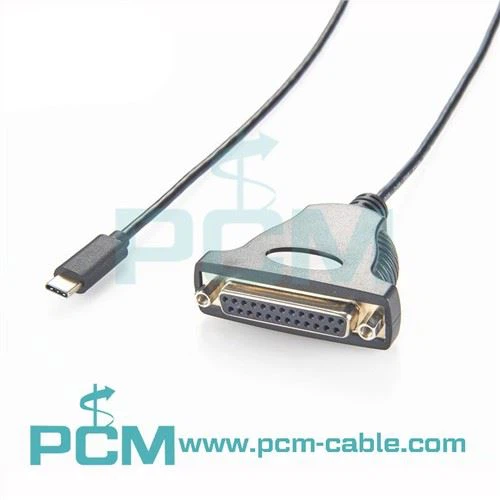
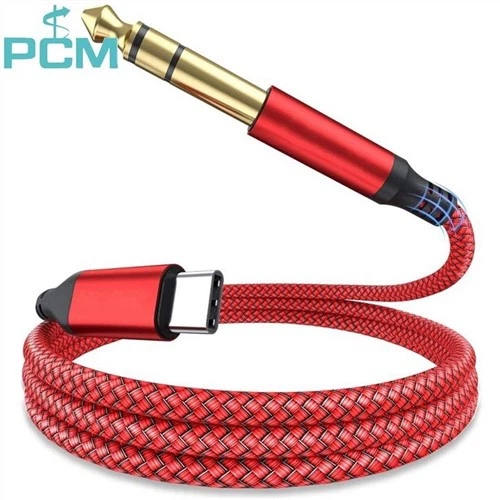
Now, let's talk about USB - C. USB - C is a new type of connector that has become increasingly popular in recent years. It's smaller, more versatile, and can support multiple data transfer protocols, including USB 3.1 and USB 3.2. USB - C cables can also carry power, allowing you to charge your devices while transferring data. Our Tethered Shooting Cable Type - C To Mini USB is a great example of a USB - C cable that combines data transfer and power delivery. It's perfect for photographers who need to transfer photos from their cameras to their computers while keeping their cameras charged.
But it's not just about the data transfer rate. Other factors can also affect how well a USB cable transfers data. The quality of the cable itself is crucial. A high - quality cable will have better shielding, which helps to reduce interference and ensure a stable data transfer. Cheaper cables may not have the same level of shielding, which can lead to slower data transfer speeds or even data loss.
The length of the cable can also impact data transfer. As a general rule, the longer the cable, the more signal loss you'll experience. That's why it's important to choose the right length for your needs. If you need to extend the distance between your devices, consider using an active extension cable, like our USB 2.0 Active Extension Cable Extender W/ Booster, which has a built - in booster to compensate for signal loss.
Another thing to keep in mind is the device's compatibility. Not all devices support all USB data transfer protocols. For example, an older laptop may only support USB 2.0, while a newer smartphone may support USB 3.1 or higher. Make sure your devices are compatible with the cable you're using to get the best performance.


In conclusion, USB cables do have different data transfer protocols, and choosing the right one depends on your specific needs. Whether you're a casual user who just wants to transfer photos or a professional who needs to transfer large amounts of data quickly, there's a USB cable out there for you. At our company, we offer a wide range of high - quality USB cables that support different data transfer protocols. So, if you're in the market for a new USB cable, take a look at our products.
If you have any questions about our USB cables or need help choosing the right one for your needs, don't hesitate to reach out. We're here to help you make the best decision for your data transfer requirements. Whether you're a small business owner, a home user, or a professional in the tech industry, we can provide you with the right USB cables to meet your needs. Contact us today to start a conversation about your USB cable requirements, and let's work together to find the perfect solution for you.
References
- USB Implementers Forum official documentation
- Various tech blogs and review sites