Hey there! As a serial cable supplier, I often get asked about extending serial cables. It's a common need, especially in industrial and networking setups where you might need to connect devices over longer distances. In this blog post, I'll share some practical ways to extend a serial cable and the things you need to keep in mind.
Why Extend a Serial Cable?
Before we dive into the how, let's talk about why you might want to extend a serial cable. In many industrial environments, devices are spread out across a large area. For example, in a manufacturing plant, sensors and control units might be located far apart. A standard serial cable might not be long enough to connect them directly. Extending the cable allows you to bridge that gap and ensure proper communication between devices.
Methods to Extend a Serial Cable
Using a Serial Extender
One of the simplest ways to extend a serial cable is by using a serial extender. These devices are designed to boost the signal over longer distances. They work by taking the incoming serial signal, amplifying it, and then sending it out over the extended cable.
There are different types of serial extenders available, depending on the serial protocol you're using. For example, if you're working with RS-232, you can find RS-232 extenders. These extenders can typically extend the cable length up to several hundred feet, depending on the quality of the extender and the cable.
Daisy-Chaining Cables
Another option is to daisy-chain multiple serial cables together. This involves connecting the end of one cable to the beginning of another. However, there are some limitations to this method. As you add more cables, the signal quality can degrade. This is because each cable has some resistance, and as the total length increases, the resistance also increases.
To minimize signal degradation, it's important to use high-quality cables. Also, make sure the connectors are properly seated and tightened to avoid any loose connections.
Using a Converter
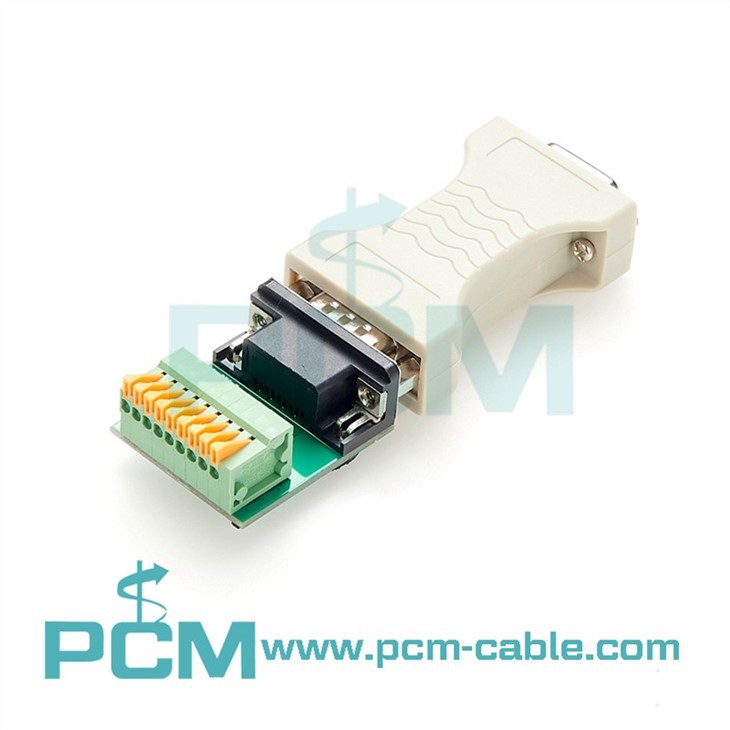
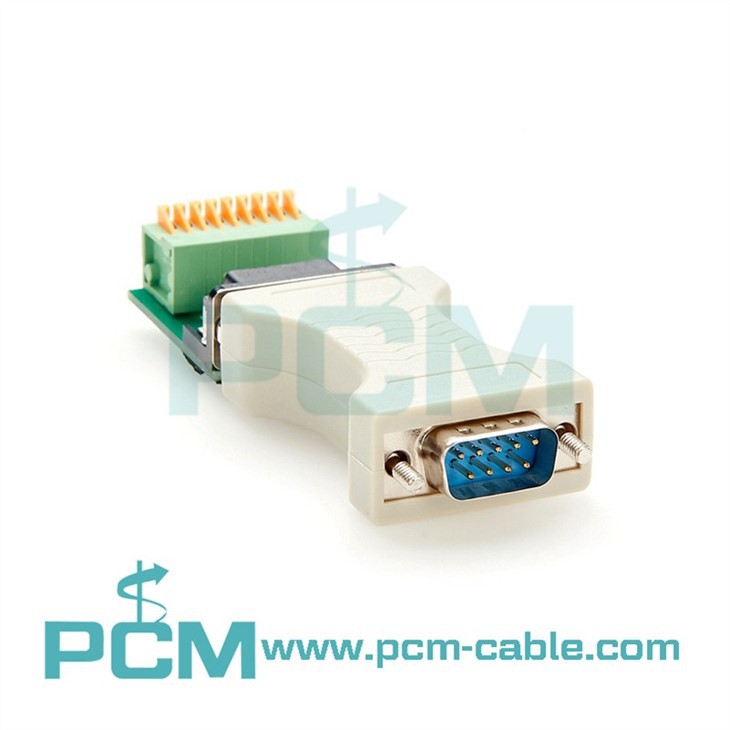
Sometimes, you might need to convert the serial signal to a different format to extend the cable length. For example, if you're using an RS-232 cable and need to extend it over a long distance, you can use an Industrial RS-232 To RS-422 Converter With Terminal Block. RS-422 is a differential signaling protocol that can support longer cable lengths compared to RS-232.
The converter takes the RS-232 signal, converts it to RS-422, and then sends it over the extended cable. At the other end, you can use another converter to convert the RS-422 signal back to RS-232 for the receiving device.
Considerations When Extending a Serial Cable
Signal Loss
As mentioned earlier, signal loss is a major concern when extending a serial cable. The longer the cable, the more the signal will degrade. To minimize signal loss, use high-quality cables with low resistance. Also, avoid sharp bends or kinks in the cable, as these can also cause signal interference.
EMI and RFI
Electromagnetic interference (EMI) and radio frequency interference (RFI) can also affect the performance of a serial cable. In industrial environments, there are often a lot of electrical devices that can generate EMI and RFI. To reduce the impact of these interferences, use shielded cables. Shielded cables have a layer of conductive material around the inner conductors, which helps to block out external electromagnetic fields.
Cable Length Limits
Each serial protocol has its own cable length limits. For example, RS-232 typically has a maximum cable length of around 50 feet, while RS-422 can support cable lengths of up to several thousand feet. Before extending a serial cable, make sure you know the maximum cable length for the protocol you're using. If you need to exceed the maximum length, you'll need to use a serial extender or a converter.
Our Product Recommendations
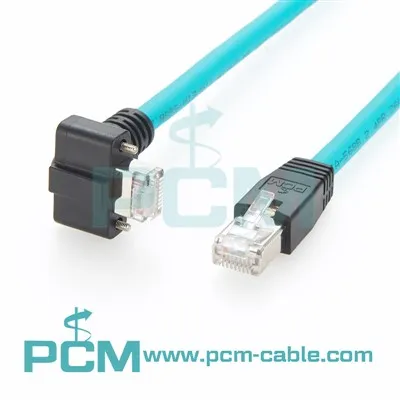
As a serial cable supplier, we offer a wide range of products to help you extend your serial cables. One of our popular products is the 8P8C RJ45 COM Serial Cable. This cable is designed for use in networking and industrial applications. It has a high-quality construction and can support reliable serial communication.
We also offer the USB To RS422 RS485 Converter Terminal. This converter allows you to connect a USB device to an RS-422 or RS-485 serial device. It's a great solution if you need to extend a serial cable using a USB connection.
Contact Us for More Information
If you have any questions about extending serial cables or need help choosing the right products for your application, don't hesitate to contact us. We have a team of experts who can provide you with personalized advice and support. Whether you're a small business or a large industrial operation, we can help you find the best solutions for your serial cable needs.
References
- Serial Communication Handbook: A guide to understanding serial protocols and their applications.
- Cable Installation Best Practices: Tips and techniques for installing serial cables to minimize signal loss and interference.