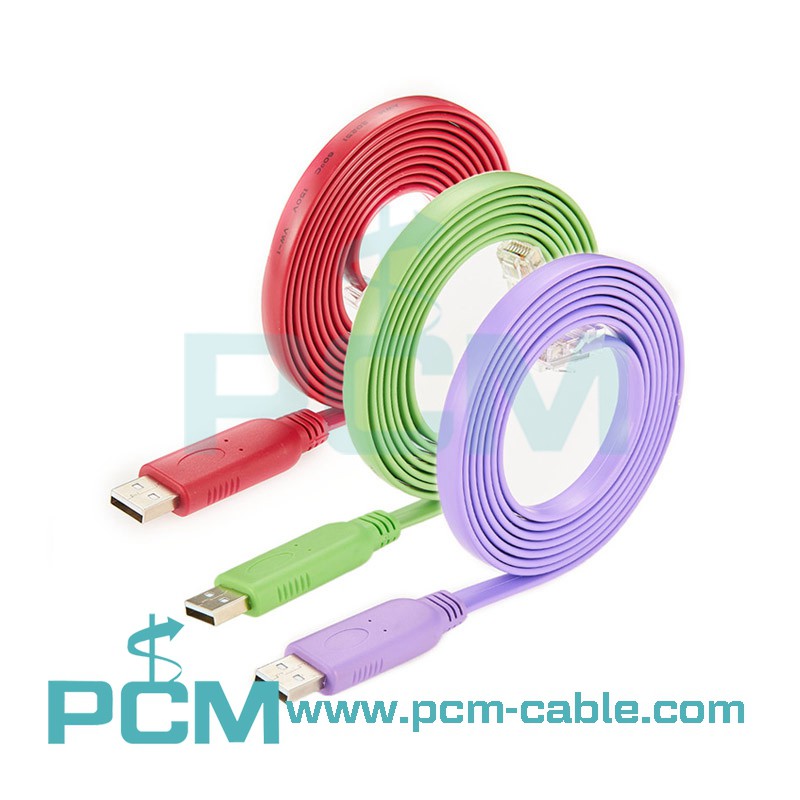
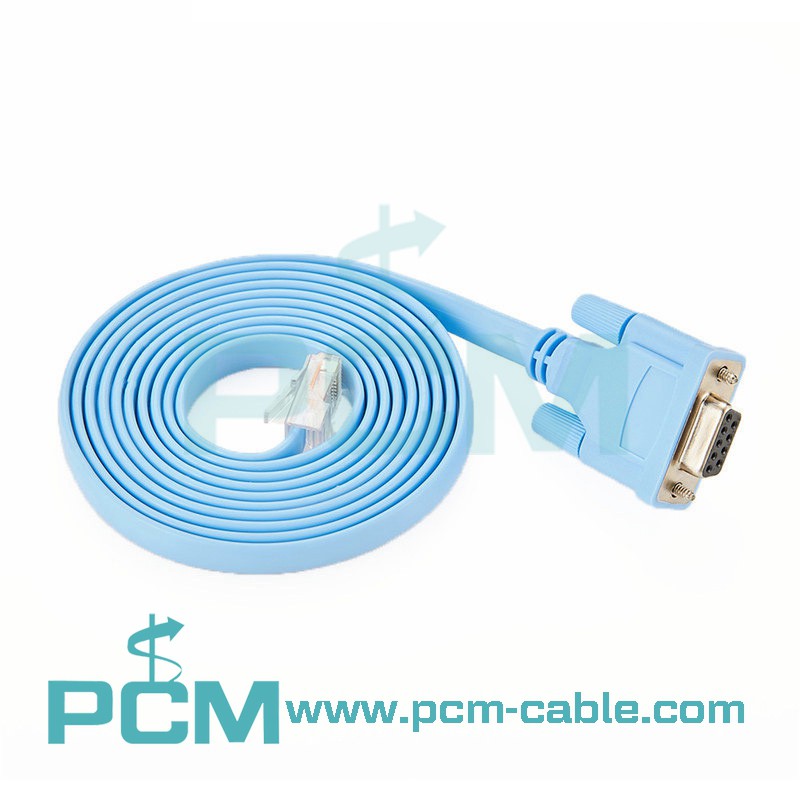
What is Console Cable?
The Console line (Serial, COM, that is, serial line or serial line) is a reverse line, and the connector can be connected to the com port on the computer with an adapter. In general, the device end is RJ45 interface, and there are also old devices with DB9 or DB25 interface. But no matter what the interface is, its protocol is RS232, that is, there are four connecting lines for one receive and one transmit without flow control.
Type of Console interface
1. RJ45
2. DB9
3. DB25
Use the console cable to directly connect to the serial port of the computer, and use the terminal emulation program (usually use the "Super Terminal" that comes with Windows) to configure the router locally. The console interface of the router is mostly RJ-45 interface, and is marked with the word CONSOLE.
Classification of Console cable:
RJ45 to USB port or USB C port (essentially a USB to serial cable, the serial port is in the shape of rj45)
RJ45 to RS232 interface (serial interface/DB9 female) + RS232 (female) to USB
The function of the Console cable
The console interface of the switch: it is used to configure the switch, so only managed switches have it. Also, note that not all managed switches have it, because there are many ways to configure switches, such as Telnet command line, Web, and TFTP.
The console port of the router: It is directly connected to the serial port of the computer using a dedicated configuration line, and uses a terminal emulation program (such as "Hyper Terminal" under Windows) to configure the router locally.
Premier Cable makes a lot of Cisco Console Cables.
You can see the details of the product from the below link: https://www.pcm-cable.com/cisco-console-cable/
USB to RJ45 Roll Over Cable;
USB 3.1 C to RJ45 Console Cable;
DB9 to RJ45 Serial Console Cable;
...
Welcome your inquiry!