Hey there! As a USB Cables supplier, I often get asked, "Are all USB C cables the same?" Well, let me tell you, the answer is a big fat no! In this blog, I'm gonna break down the differences between USB C cables, so you can make an informed decision when it comes to choosing the right one for your needs.

First off, let's talk about the physical appearance. All USB C cables have the same small, oval-shaped connector on both ends. This is one of the reasons USB C has become so popular—it's reversible, so you don't have to worry about plugging it in the wrong way. But just because they look the same on the outside doesn't mean they're all created equal on the inside.
One of the most important factors to consider is the cable's data transfer speed. USB C cables can support different data transfer protocols, and these protocols determine how fast data can move between your devices. For example, some cables support USB 2.0, which has a maximum data transfer rate of 480 Mbps. That's fine for basic tasks like transferring photos or music, but if you're working with large files or need to transfer data quickly, you'll want a cable that supports a faster protocol.
The USB-C USB 4.0 Cable Thunderbolt 3 Compatible is a great option if you need high-speed data transfer. USB 4.0 can reach speeds of up to 40 Gbps, which is super fast! This means you can transfer large files, like 4K videos or high-resolution photos, in a matter of seconds. Thunderbolt 3 compatibility also adds an extra layer of versatility, allowing you to connect to Thunderbolt 3 devices and take advantage of their high-speed capabilities.
Another crucial aspect is power delivery. USB C cables can carry different amounts of power, and this is important for charging your devices. Some cables are only capable of delivering a small amount of power, which might be enough to charge a smartphone or a tablet slowly. But if you want to charge a laptop or other power-hungry devices quickly, you'll need a cable that supports higher power delivery.
For example, if you have a laptop that requires a lot of power to charge, you'll want a cable that can handle at least 65W or more. There are even cables available that can deliver up to 100W of power, which is great for charging larger laptops and other high-power devices.
The type of shielding used in the cable also matters. Shielding helps to protect the cable from electromagnetic interference (EMI) and radio frequency interference (RFI). These types of interference can cause data transfer errors or reduce the cable's performance. Cables with better shielding are generally more reliable and can provide a more stable connection.
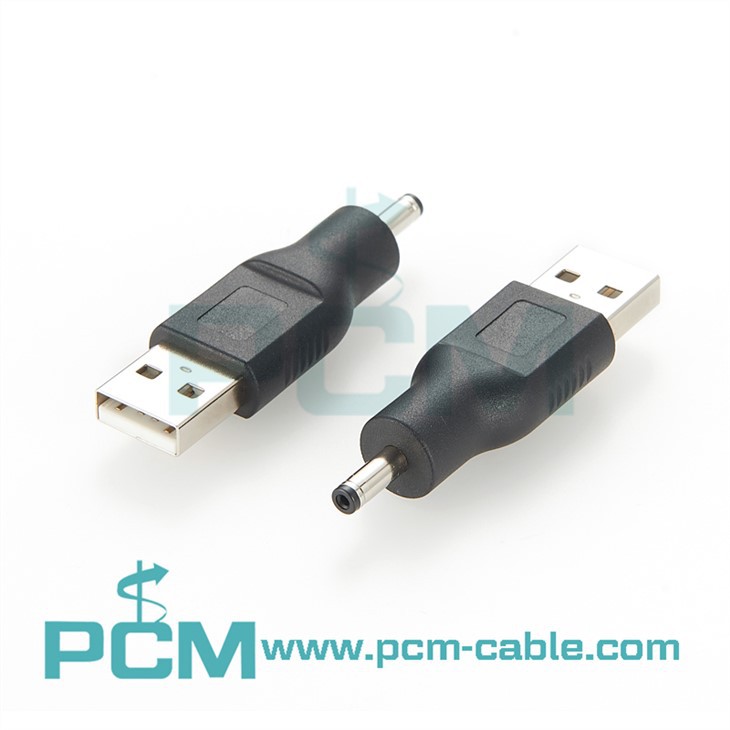
Now, let's talk about some of the different types of USB C cables you might come across. The USB To DC Connector is a useful cable if you need to connect a device that uses a DC power source to a USB port. This can be handy for powering things like small electronics or charging devices that don't have a built-in USB C port.
The USB 3.1 C To C Adapter is another option. This adapter allows you to connect two USB C devices together, and it supports USB 3.1 data transfer speeds. It's a great way to expand the functionality of your devices and transfer data quickly between them.
So, as you can see, not all USB C cables are the same. When you're choosing a USB C cable, you need to consider your specific needs. Think about the data transfer speed you require, the amount of power you need to deliver, and the type of devices you'll be using the cable with.
If you're in the market for high-quality USB C cables, I'd love to help you out. Whether you're a business looking to stock up on cables for your employees or an individual looking for a reliable cable for your personal devices, I've got you covered. I offer a wide range of USB C cables, including those with high-speed data transfer and high-power delivery capabilities.
Don't hesitate to reach out if you have any questions or if you're interested in discussing your specific requirements. I'm here to make sure you get the right cable for your needs.
In conclusion, understanding the differences between USB C cables is essential for getting the most out of your devices. By choosing the right cable, you can ensure fast data transfer, efficient charging, and a reliable connection. So, next time you're shopping for a USB C cable, don't just grab the first one you see—take the time to consider your options and make an informed decision.
References
- Various industry reports on USB C technology
- Manufacturer specifications for USB C cables