In the modern digital age, USB cables are ubiquitous, serving as the essential link between various devices. Whether you're powering up your laptop, transferring data from your desktop, or connecting peripherals, the type of USB cable you use can make a significant difference. As a USB cables supplier, I've witnessed firsthand the diverse needs of consumers and businesses when it comes to choosing the right cable for their laptops and desktops. In this blog post, I'll delve into the key differences between USB cables for laptops and desktops, helping you make an informed decision for your specific requirements.
Physical Design and Compatibility
One of the most apparent differences between USB cables for laptops and desktops lies in their physical design and compatibility. Laptops are designed to be portable, which means they often feature smaller and more compact connectors to save space. The most common USB connector found on laptops is the USB-C port, which is reversible and offers a high level of versatility. USB-C ports can support various functions, including power delivery, data transfer, and video output, making them an all-in-one solution for many laptop users.
On the other hand, desktops typically have a wider range of USB ports, including USB-A, USB-B, and USB-C. USB-A is the most traditional and widely used connector, found on most desktop computers and peripherals. It's a rectangular-shaped port that provides a stable connection for devices such as keyboards, mice, and external hard drives. USB-B, on the other hand, is commonly used for connecting printers, scanners, and other larger devices.
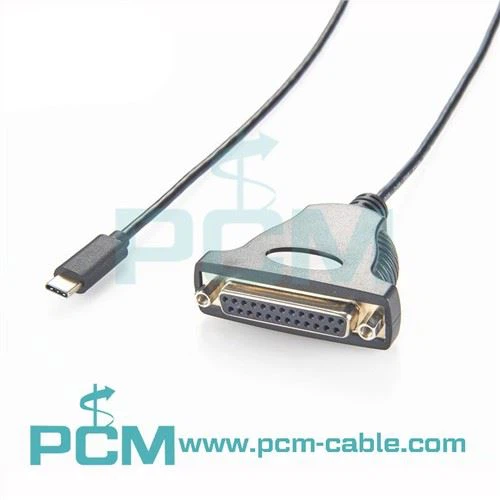
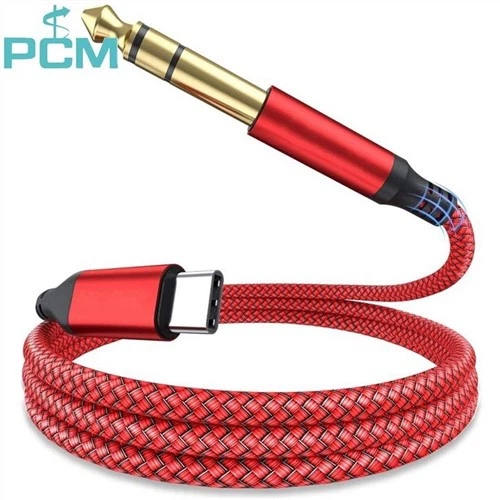
When choosing a USB cable for your laptop or desktop, it's essential to ensure compatibility between the cable and the device's ports. For example, if your laptop has a USB-C port, you'll need a USB-C cable to connect it to other devices. Similarly, if your desktop has a USB-A port, you'll need a USB-A cable. As a USB cables supplier, we offer a wide range of cables with different connectors to meet the diverse needs of our customers. For instance, our USB-C 3.1 GEN2 Right Angle Type-C Cable is designed specifically for laptops with USB-C ports, providing a convenient and space-saving solution for power and data transfer.
Power Delivery
Another significant difference between USB cables for laptops and desktops is their power delivery capabilities. Laptops require a reliable power source to operate, and many modern laptops support fast charging through USB-C ports. USB-C cables can deliver up to 100 watts of power, allowing you to charge your laptop quickly and efficiently. This is particularly useful for users who are always on the go and need to charge their laptops on the fly.
Desktops, on the other hand, typically rely on a separate power supply unit (PSU) to provide power to the computer and its components. While some desktops may have USB ports that support power delivery, the power output is usually lower compared to laptops. USB-A ports on desktops typically provide up to 2.5 watts of power, which is sufficient for charging small devices such as smartphones and tablets but not enough to power a laptop.
As a USB cables supplier, we understand the importance of power delivery for laptops and desktops. That's why we offer a range of high-quality USB cables with different power ratings to meet the specific needs of our customers. Our USB 3.0 Tether Cable is designed to provide reliable power and data transfer for both laptops and desktops, ensuring a stable connection and fast charging.
Data Transfer Speed
Data transfer speed is another crucial factor to consider when choosing a USB cable for your laptop or desktop. In today's digital world, we generate and transfer large amounts of data on a daily basis, whether it's transferring files between devices, backing up important data, or streaming high-definition videos. The type of USB cable you use can have a significant impact on the speed at which data is transferred.
USB cables are classified into different generations, each with its own data transfer speed capabilities. The most common USB generations are USB 2.0, USB 3.0, USB 3.1, and USB 3.2. USB 2.0 is the oldest and slowest generation, with a maximum data transfer speed of 480 Mbps. USB 3.0, also known as SuperSpeed USB, offers a significant improvement in data transfer speed, with a maximum speed of 5 Gbps. USB 3.1 and USB 3.2 are even faster, with maximum speeds of 10 Gbps and 20 Gbps, respectively.
Laptops and desktops may support different USB generations, depending on their age and specifications. Newer laptops and desktops are more likely to support the latest USB generations, allowing for faster data transfer. When choosing a USB cable for your laptop or desktop, it's important to consider the data transfer speed requirements of your devices. If you need to transfer large files quickly, such as high-resolution videos or large databases, you'll want to choose a cable that supports the fastest USB generation available.
As a USB cables supplier, we offer a range of USB cables with different data transfer speeds to meet the diverse needs of our customers. Our Angle USB-C Type-C Male to Male Camera Adapter Cable is designed to support high-speed data transfer, making it ideal for transferring large files between laptops, desktops, and cameras.
Durability and Build Quality
In addition to physical design, power delivery, and data transfer speed, the durability and build quality of a USB cable are also important considerations. Laptops and desktops are often used in different environments, and the cables need to be able to withstand regular use and wear and tear. A high-quality USB cable should be made of durable materials, such as braided nylon or high-grade plastic, to prevent fraying and damage.
The connectors on the cable should also be well-made and secure, ensuring a stable connection between the device and the cable. Loose or poorly made connectors can cause intermittent connections, data loss, and even damage to the device. As a USB cables supplier, we take pride in offering high-quality cables that are built to last. Our cables are rigorously tested to ensure they meet the highest standards of quality and durability, providing our customers with a reliable and long-lasting solution.


Conclusion
In conclusion, there are several key differences between USB cables for laptops and desktops, including physical design, power delivery, data transfer speed, and durability. When choosing a USB cable for your laptop or desktop, it's important to consider your specific needs and requirements. Whether you need a cable for powering your laptop, transferring data between devices, or connecting peripherals, there's a USB cable out there that's right for you.
As a USB cables supplier, we're committed to providing our customers with high-quality cables that meet their needs and exceed their expectations. We offer a wide range of cables with different connectors, power ratings, data transfer speeds, and build qualities to ensure you find the perfect cable for your laptop or desktop. If you have any questions or need help choosing the right cable, please don't hesitate to contact us. We're here to assist you with your procurement needs and help you find the best solution for your business or personal use.
References
- "USB Implementers Forum." USB Implementers Forum. Accessed [Date].
- "USB Cable Types and Their Uses." Lifewire. Accessed [Date].
- "The Ultimate Guide to USB Cables." How-To Geek. Accessed [Date].