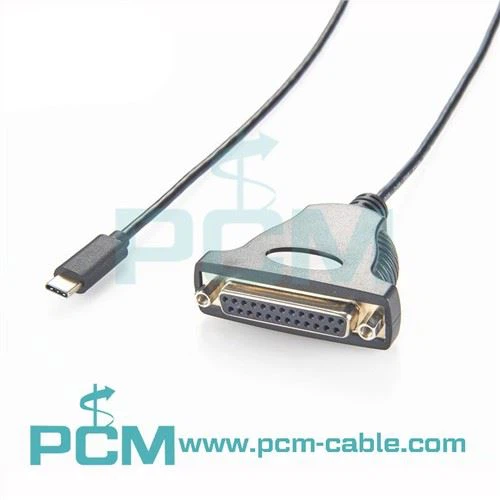
Hey there! As a serial cable supplier, I've seen my fair share of issues when it comes to serial cable connections. It can be super frustrating when things don't work as they should, but don't worry – I'm here to help you troubleshoot those pesky problems.
First off, let's talk about some basic checks you can do. When you're having trouble with a serial cable connection, the first thing you should do is check the physical connections. Make sure the cable is properly plugged into both devices. Sometimes, it might seem like it's connected, but a loose plug can cause all sorts of issues. Give the connectors a gentle wiggle to see if there's any movement. If there is, try unplugging and plugging the cable back in firmly.
Another thing to look at is the cable itself. Check for any visible damage like cuts, frays, or bent pins. A damaged cable can disrupt the signal and lead to connection problems. If you find any issues with the cable, it might be time to replace it. We offer a wide range of high - quality serial cables, like the USB To DB37 PCIe Card Cable and the USB To DB44 Serial PCIe Card Octopus Cable, which are built to last and ensure a stable connection.
Now, let's move on to the settings. Serial connections rely on specific settings to work correctly. These settings include things like baud rate, data bits, stop bits, and parity. If these settings don't match between the two devices connected by the serial cable, you'll likely run into problems.
To check the settings, you'll need to access the device's configuration menu. This can vary depending on the device you're using. For example, if you're using a computer, you might need to go into the device manager and find the serial port settings. Make sure the baud rate, data bits, stop bits, and parity are the same on both devices. If they're not, adjust them to match.
Sometimes, the issue might be with the drivers. Outdated or corrupted drivers can prevent the serial port from working properly. On your computer, you can go to the device manager and look for the serial port. Right - click on it and select "Update driver." Follow the prompts to update the driver to the latest version. If the driver is corrupted, you might need to uninstall it and then reinstall it.
Interference can also be a major culprit in serial cable connection problems. Electrical interference from other devices, like motors or power supplies, can disrupt the serial signal. Try moving the serial cable away from any potential sources of interference. You can also use shielded cables, which are designed to reduce the effects of interference. Our RS - 232 Data Cable RJ45 To DB9 Pin is a great option as it offers good shielding to protect the signal.
If you're still having trouble after checking all of these things, it might be a problem with the devices themselves. One way to test this is to try the serial cable with different devices. If the cable works fine with other devices, then the problem is likely with the original device. You might need to troubleshoot the device further or contact the manufacturer for support.
Another thing to consider is the length of the cable. Serial cables have a limited range, and if the cable is too long, the signal can degrade. Make sure you're using a cable that's within the recommended length for your specific application. If you need a longer cable, we can provide you with options that are designed to maintain a strong signal over longer distances.
In some cases, the problem could be related to the software running on the devices. Some software might have bugs or compatibility issues with the serial connection. Try closing any unnecessary programs and see if that helps. You can also try running the software in compatibility mode if available.
If you've gone through all these steps and still can't get the serial cable connection to work, don't hesitate to reach out to us. We have a team of experts who can help you diagnose and solve the problem. We're not just a supplier; we're here to support you every step of the way.
Whether you're looking to replace a faulty cable or need advice on the best serial cable for your project, we're the ones to call. We offer a wide selection of serial cables at competitive prices, and we're committed to providing top - notch customer service.


So, if you're in the market for serial cables or need help with troubleshooting, don't wait. Contact us today to start a conversation about your needs. We're ready to work with you to find the perfect solution for your serial cable requirements.
References
- General knowledge from years of experience in the serial cable industry.
- Technical documentation from various device manufacturers regarding serial port settings and troubleshooting.